Controls, cheats & mods
Default keyboard and mouse bindings, controller prompt switching, built-in cheats, and how to install or create mods with mod.toml.
- Prompts: Xbox, PS, Switch & KBM
- Ninpo key: F (Y+B)
- Wind Run key: C (A+X)
- Mod config: mod.toml
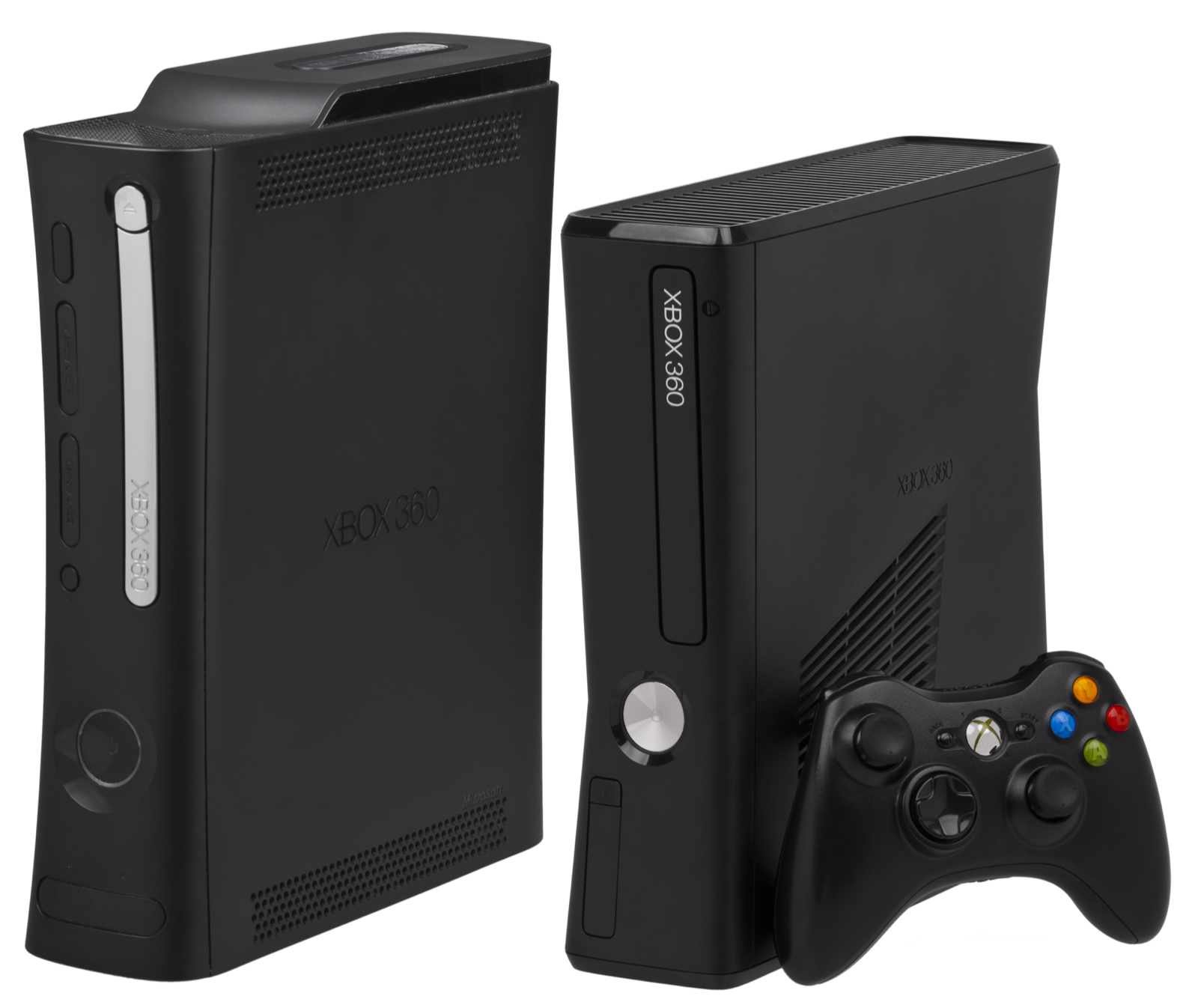
Default controller, keyboard & mouse bindings
gamboozino/ng2recomp supports Xbox, PlayStation, and Nintendo controllers alongside full keyboard and mouse play. The game automatically switches on-screen button icons (using Nicolae “Xelu” Berbece’s prompt set) to match whichever input device you touched last: or you can lock a specific icon style under RECOMP SETTINGS > Interface > Button Prompts:
| Action | Controller Button | Keyboard & Mouse Default |
|---|---|---|
| Move Ryu | Left Stick | W A S D |
| Camera Control | Right Stick | Mouse or Numpad 8 4 5 6 |
| Quick Attack | X ( Square / Y ) | Left Mouse Button or J |
| Strong Attack | Y ( Triangle / X ) | Right Mouse Button or K |
| Jump / Wind Run | A ( Cross / B ) | Space or Return |
| Projectile / Shuriken | B ( Circle / A ) | E or Backspace |
| Cast Ninpo (Two-button macro) | Y + B | F |
| Water Run / Wind Run (Two-button macro) | A + X | C |
| Block / Reverse Wind Dash | LT ( L2 / ZL ) | Left Shift |
| Center Camera / Bow Aim | RT ( R2 / ZR ) | Q or Middle Mouse Button |
| First-Person View / Quick Menu | LB / RB | R / V |
| Left / Right Stick Clicks | LS / RS | Z / X |
| In-Game Menu (Back) / Pause (Start) | Back / Start | Tab / Escape |
| D-Pad Quick Items | D-Pad | Arrow Keys |
Customizing keybinds & two-button combo macros in ng2.toml
Until in-menu key rebinding lands, keyboard bindings are configured in ng2.toml (inside %LOCALAPPDATA%\NinjaGaiden2 or ~/.config/ng2-recomp). Each controller button accepts a comma-separated list of keys, and placing the same key in two lists presses both buttons simultaneously: which is how F triggers Ninpo (Y + B) and C triggers Wind Run / Water Run (A + X):
keybind_a = "Space,C,Return"
keybind_b = "E,F,Backspace"
keybind_x = "MouseLeft,J,C"
keybind_y = "MouseRight,K,F"
Built-in cheats & Master Edition enables
Open RECOMP SETTINGS > Cheats (or Gameplay for difficulty enables) at any time to toggle built-in training and All options:
| Setting | Behavior & Save File Impact |
|---|---|
| Infinite Health | Keeps Ryu’s health bar full during combat without permanently altering your save file. |
| Infinite Ninpo | Refills your Ninpo ki slots immediately after every cast. |
| All Difficulties | Located under Gameplay: enables all difficulty paths (including Path of the Mentor and Path of the Master Ninja) in New Game and Mission Mode immediately. |
| All Costumes | enables Ryu’s alternate costumes without requiring completion clears. |
| All Weapons and Ninpo (Level 1 or 3) | Grants every melee weapon, ranged projectile weapon, Ninpo art, and full ammo at New Game, save load, or stage start. Note: items granted by this toggle remain in your save file if you save while it is active. |
| All Crystal Skulls | Activates all 30 Crystal Skull shop discount bonuses. |
| Max HP and Ninpo | Temporarily maxes out your health bar length (Lives of the Thousand Gods) and Ninpo slots while enabled, while preserving your real upgrade count in the save file. |
Installing & creating mods (mods/ folder & mod.toml)
Mods replace game files (models, animations, effects, stages, text, or audio) without modifying your original game installation. Place each mod in its own subfolder inside %LOCALAPPDATA%\NinjaGaiden2\mods (Windows), ~/.local/share/ng2-recomp/mods (Linux), or userdata/mods (portable mode):
mods/
  Ryu's New Look/
    mod.toml
    files/
      char/ryu_b/ryu_b.gmd
Any file inside files/ overrides the archive file at the same relative path (for example, files/char/ryu_b/ryu_b.gmd replaces Ryu’s base costume model). You can also include an optional mod.toml to toggle the mod or swap one internal archive file for another without shipping external assets:
name = "Ryu's New Look"
version = "1.0"
enabled = true          # set false to disable without deleting the folder

[replace]
'char/ryu_b/ryu_b.gmd' = 'char/ryu_c/ryu_c.gmd'
Mods load in alphabetical folder order on startup and are listed in ng2.log. Set log_file_loads = true in ng2.toml to log every internal file path the game loads as you play.
Recommended PC controllers
Ninja Gaiden II Recompiled supports Xbox, PlayStation and Nintendo controllers with native Xelu button prompts (plus low-latency VK_KHR_present_wait input mode):
| Controller | Best For in Ninja Gaiden II Recomp | Hardware Advantage | Link |
|---|---|---|---|
| Xbox Wireless Controller | Original Xbox 360 layout & prompts | Native XInput mapping matching the 2008 Xbox 360 combat layout | View on Amazon |
| GameSir Cyclone 2 | 1000 Hz Master Ninja precision | TMR sticks, micro-switch face buttons and 1000 Hz wireless dongle | View on Amazon |
| Sony DualSense | PlayStation button prompts | Automatic PlayStation button prompt switching and crisp D-pad | View on Amazon |
| 8BitDo Ultimate 2 Wireless | Windows & SteamOS dock play | Zero-drift TMR sticks, charging dock and rear macro paddles | View on Amazon |
As an Amazon Associate, this site earns from qualifying purchases.
Common questions
Does the mouse move the camera during gameplay and hide when I pick up a controller?
Yes. Moving the mouse rotates the camera whenever keyboard and mouse are active, and the cursor automatically hides and disables mouse camera input the moment you touch a controller.
How do I restore default settings on a 6-row in-game Recomp Settings page?
In the in-game pause menu, settings pages that already contain six rows have no room for a seventh "Restore Defaults" row. Return to the main Title Menu and open RECOMP SETTINGS there: every page on the title menu includes the Restore Defaults option.